
Project Datum Features
Project Datum brings project controls, staffing, time, expenses, project email, reporting, API access, and AI-assisted workflows into one workspace for selected A/E firms.
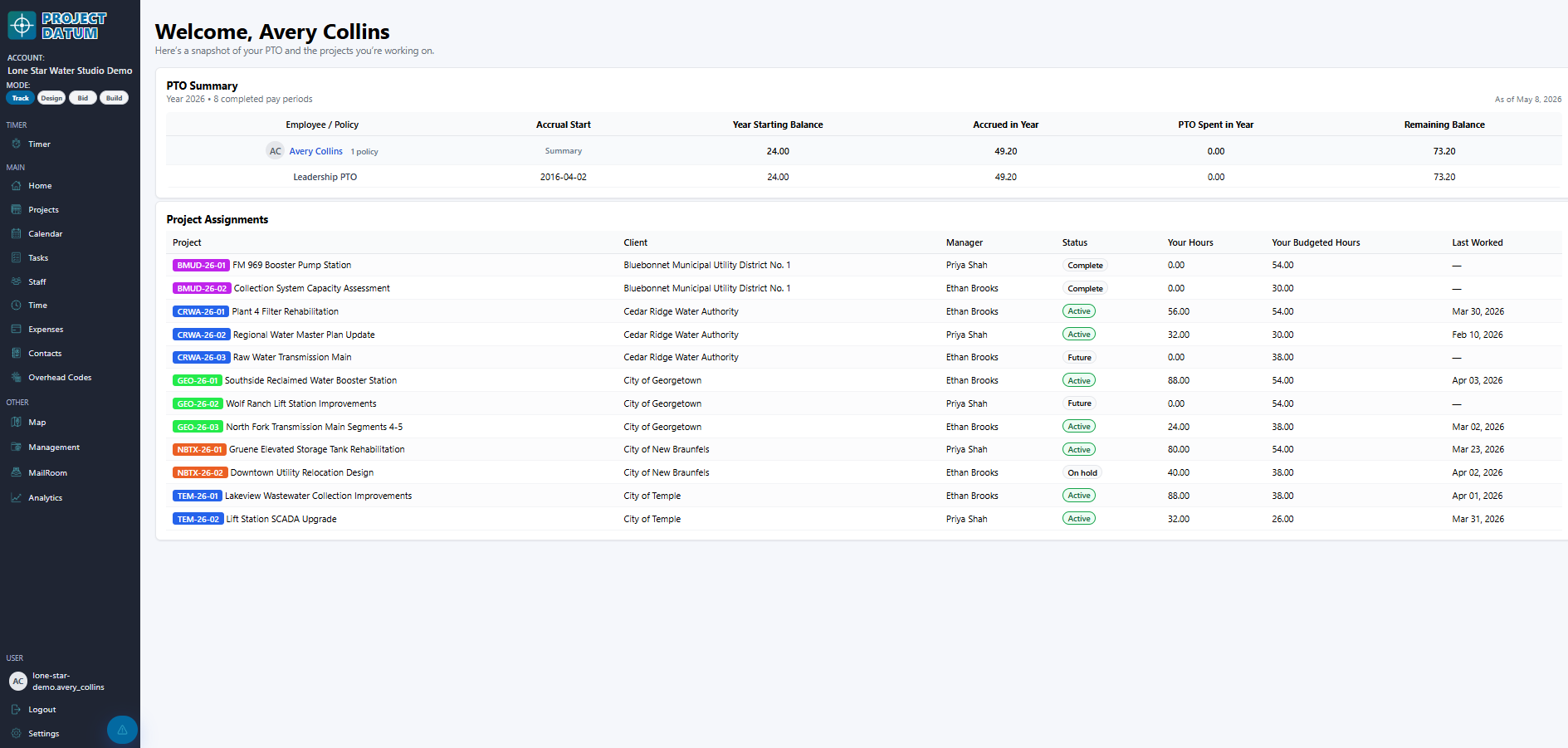
Project controls
Give managers a connected project workspace instead of disconnected spreadsheets and status calls.
- Project dashboards and project list timeline
- Status, client, group, and project taxonomy controls
- Phases, milestones, deliverables, and tasks
- Project contacts, consultants, vendors, and files
- Project map and location views
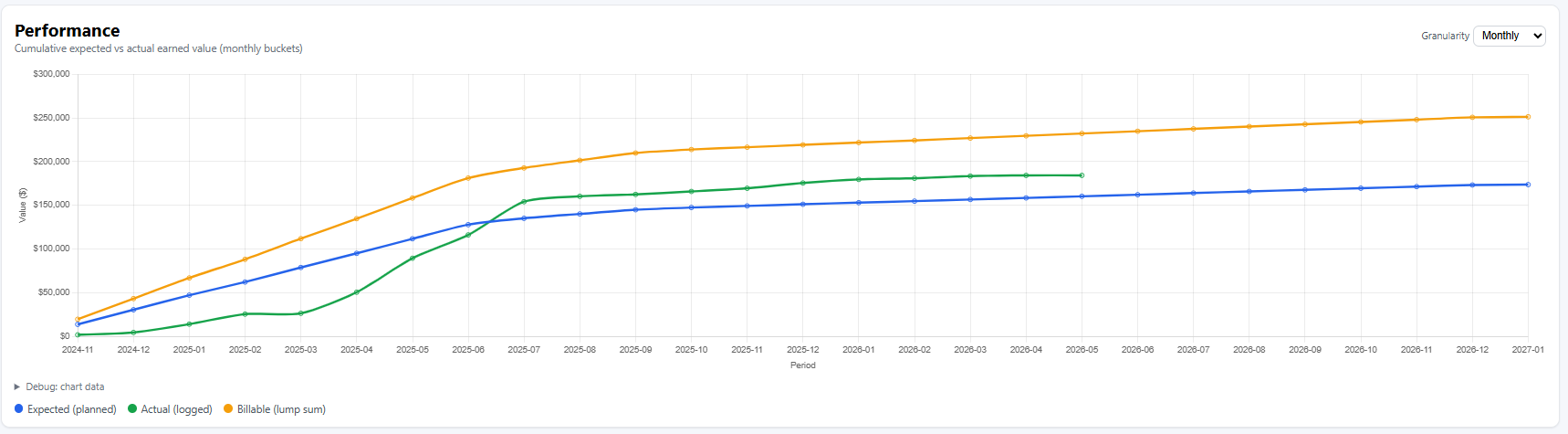
- Weekly review and project performance reporting
Scope, schedule, and budget
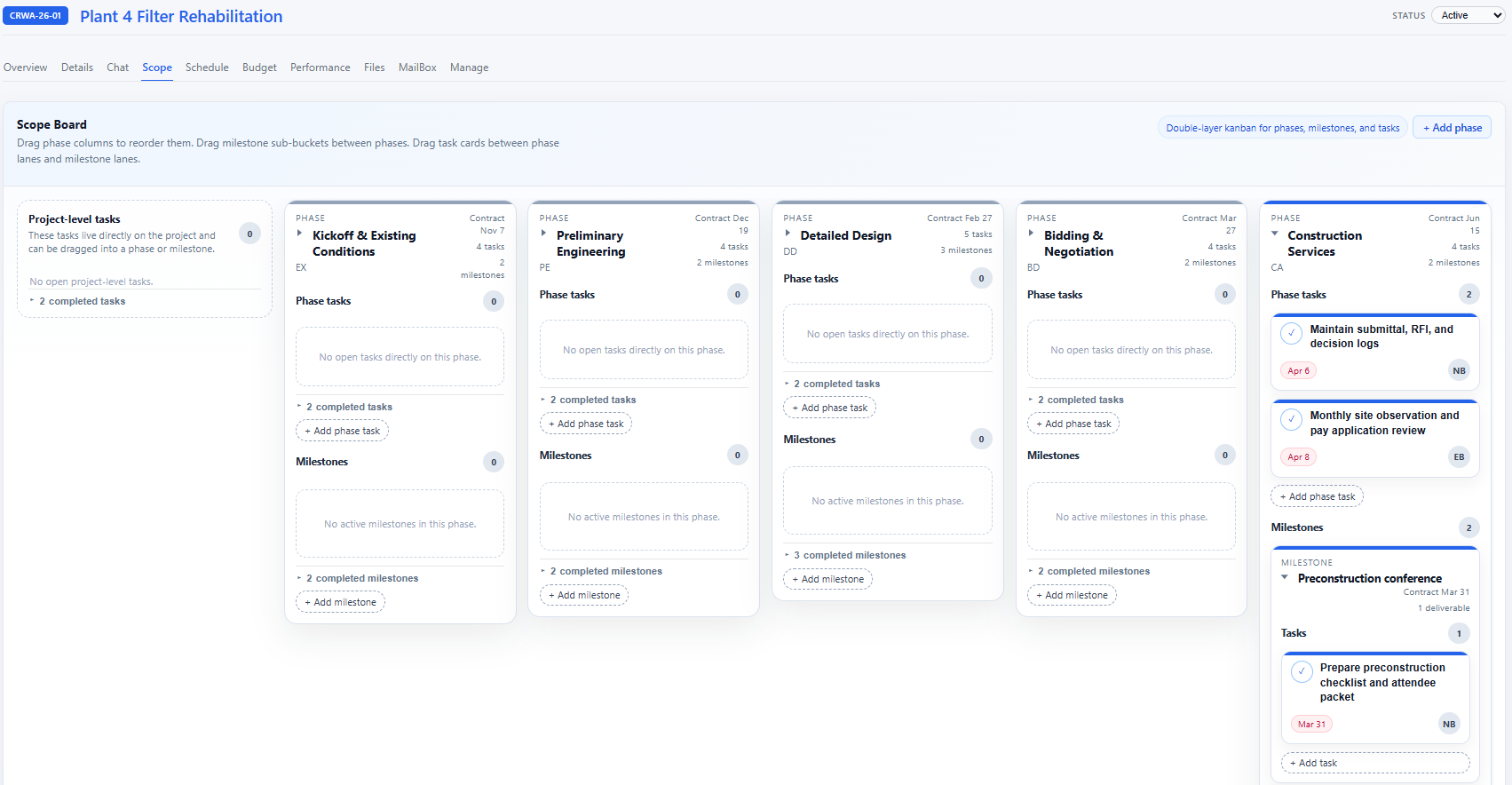
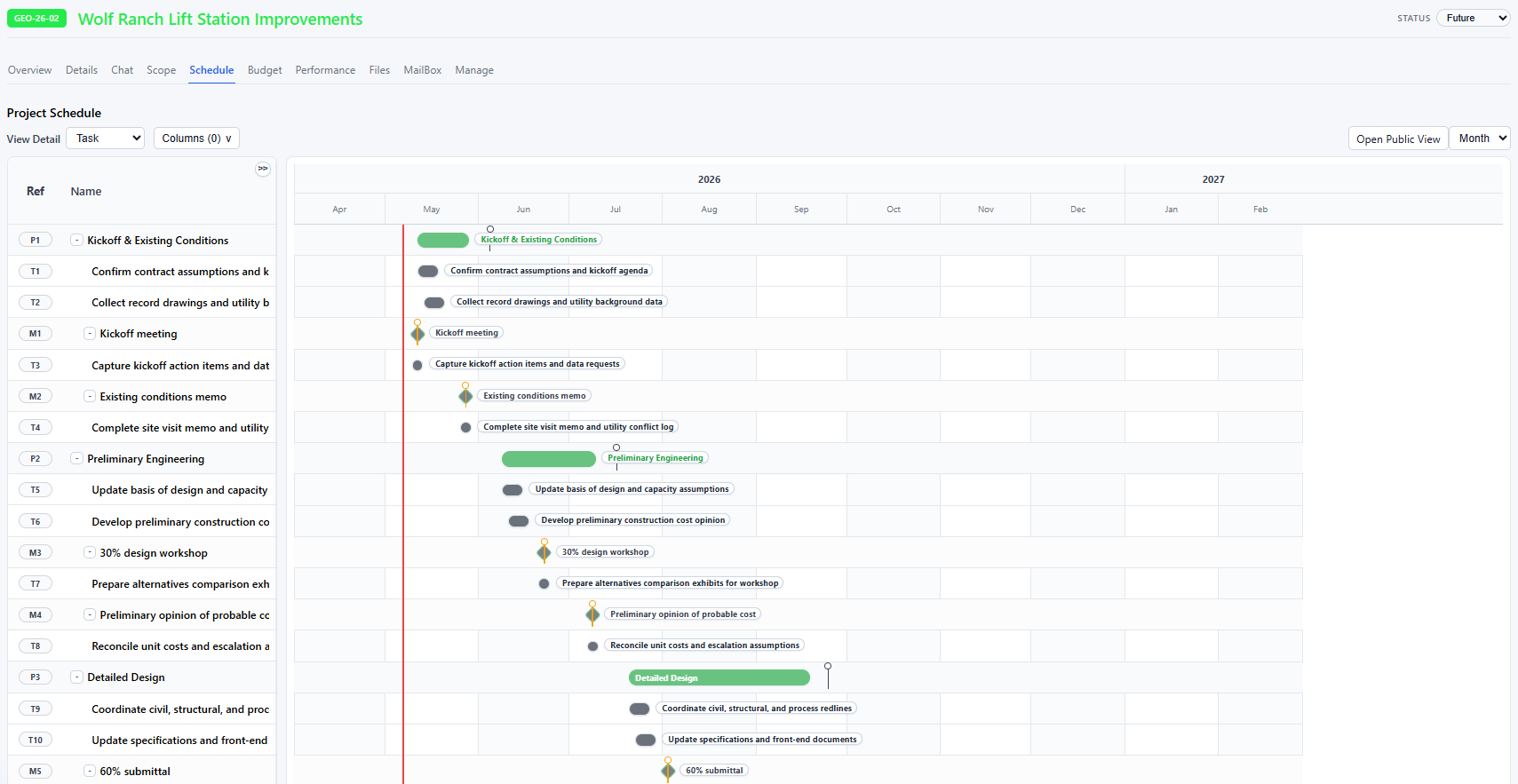
Plan the work, expose schedule risk, and keep budget allocation visible while the project changes.
- Scope board for phases, milestones, and tasks
- Gantt-style project schedule
- Public read-only schedule links
- Schedule PDF export
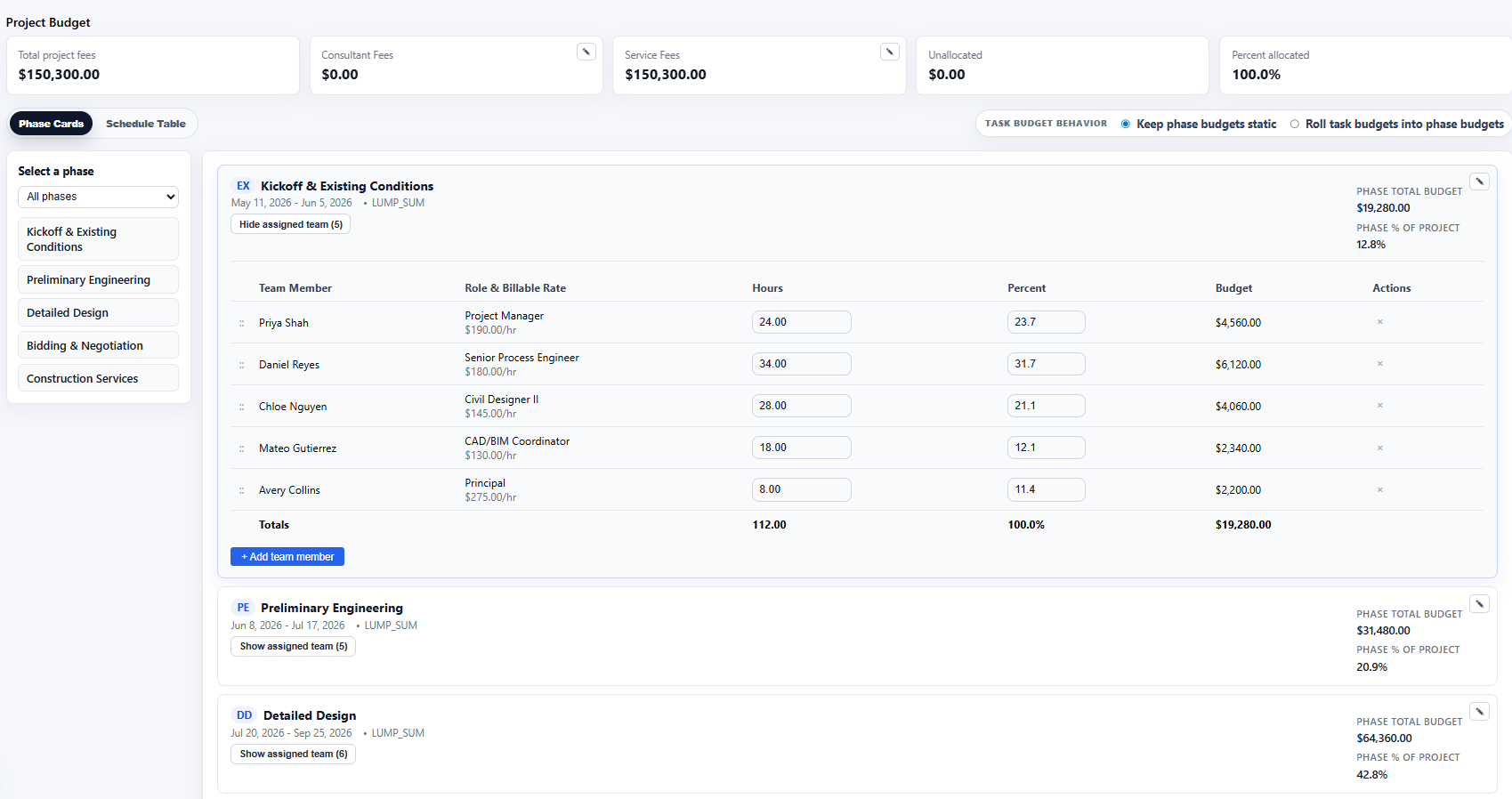
- Phase-level staffing and budget allocation
- Scope CSV template, export, and import
Time, expenses, and staffing
Connect the weekly work of logging time and expenses to the budgets, teams, and phases that managers care about.
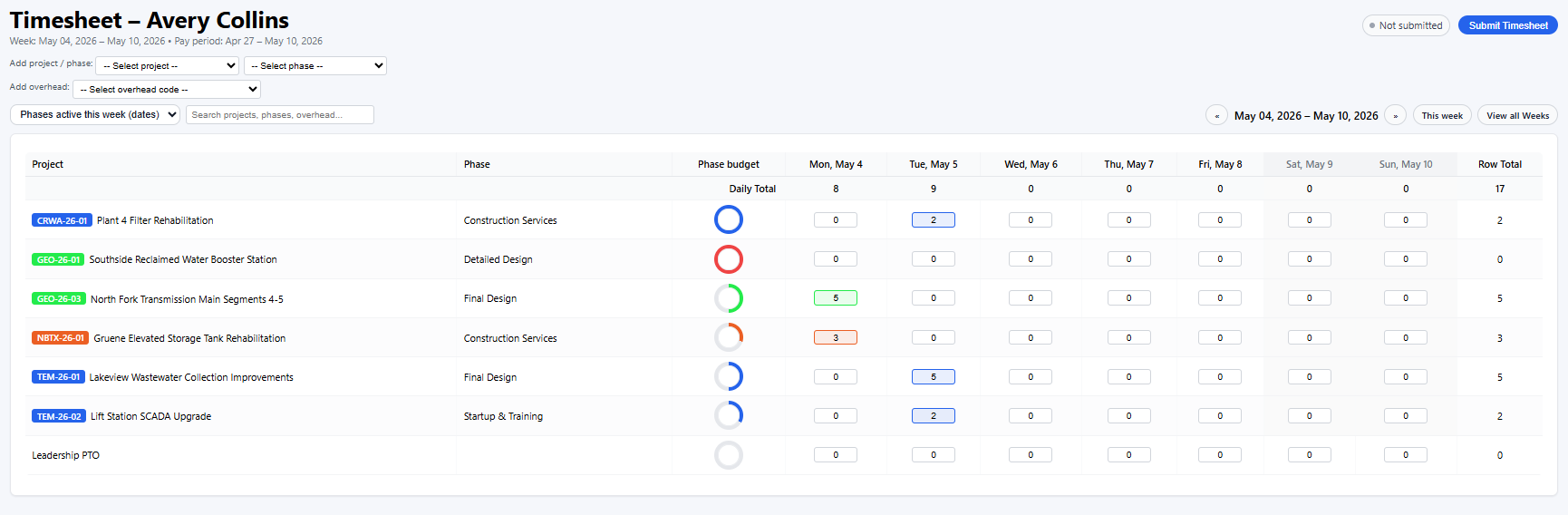
- Weekly timesheets with project, phase, overhead, PTO, and holiday rows
- Timer panel and task-level time splits
- Timesheet submissions and reminder emails
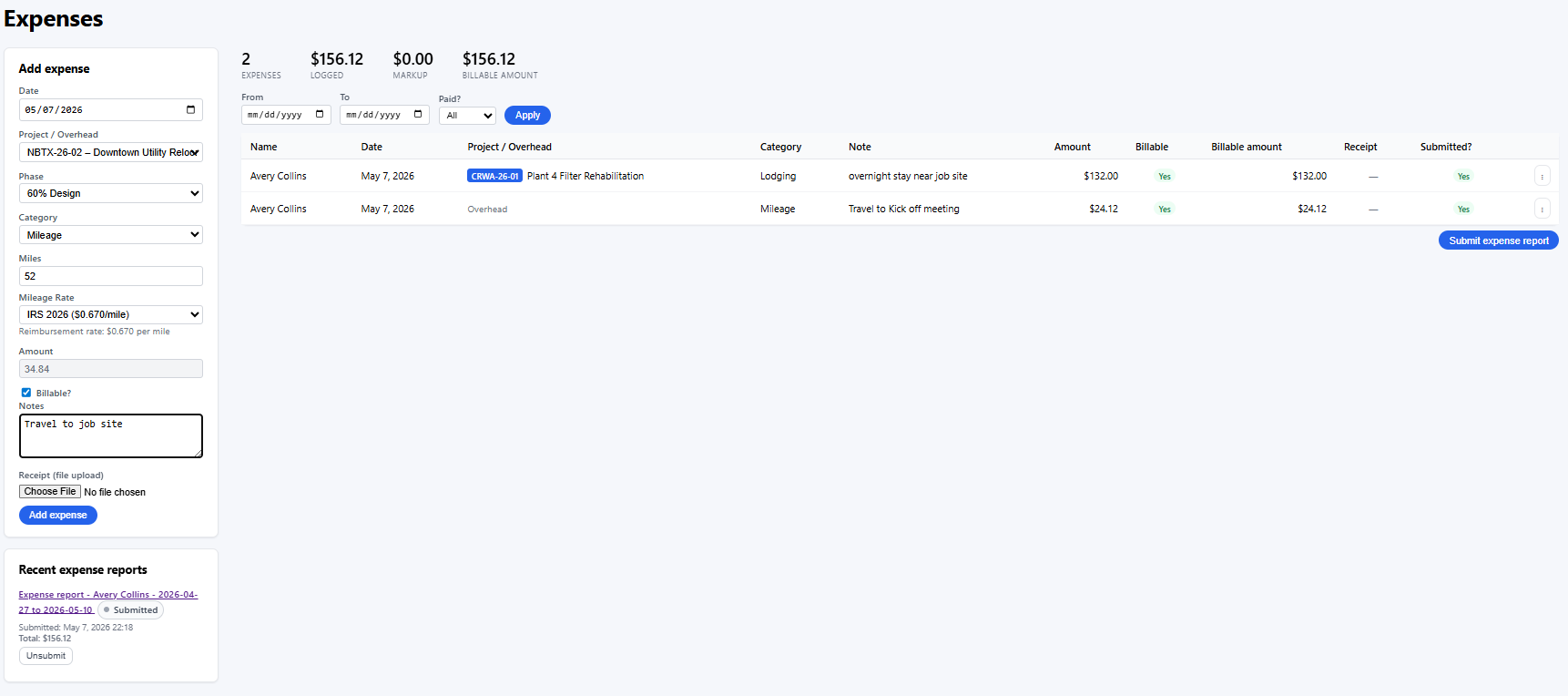
- Expense entry, receipts, mileage rates, and expense reports
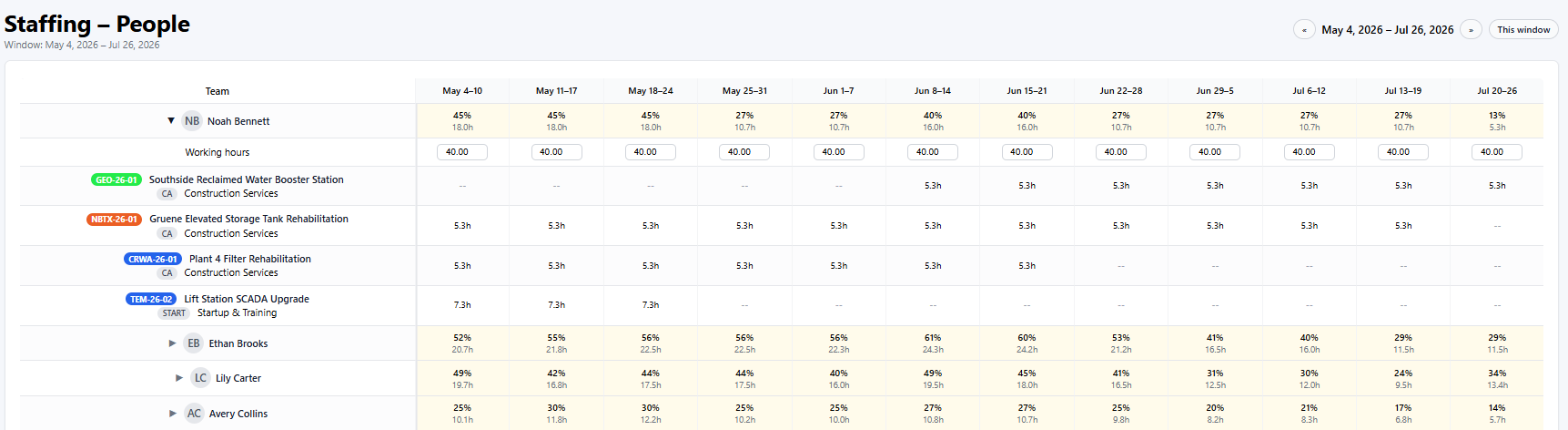
- Staffing overview and weekly workplans
- PTO bank and time off policy configuration
MailRoom
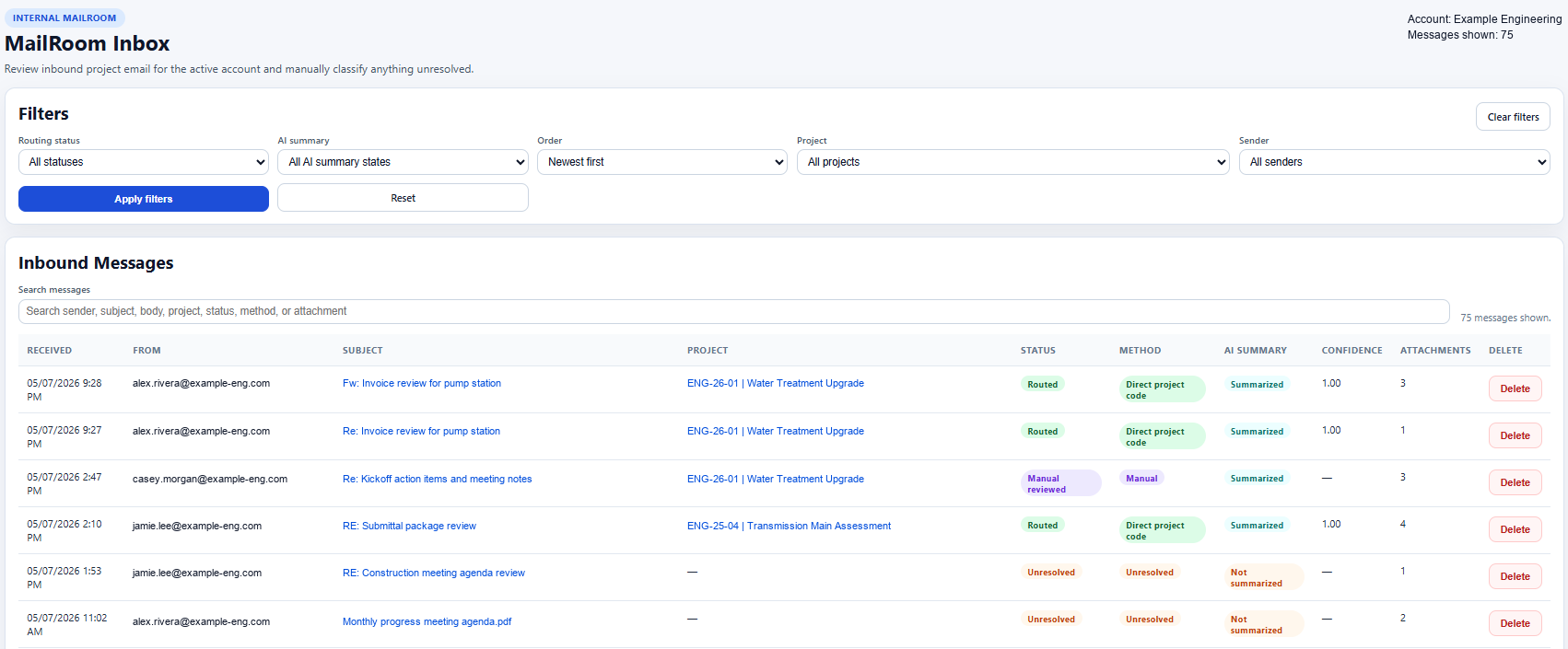
Project email can be routed into Project Datum so teams can review account and project communication without digging through inboxes.
- Inbound project email intake
- Account-level MailRoom inbox
- Project-level MailBox views
- Attachment review
- Manual routing for unresolved messages
- AI-assisted summaries and routing support where enabled
AI chat and API access
Selected beta firms can test AI workflows and use account-scoped API tokens for practical integration work.
- Project-aware AI chat for beta testers
- Account AI provider settings
- Supported local browser AI flows
- API tokens scoped to a single account
- Project, phase, employee, overhead code, and time-entry endpoints
- Read-only and time-entry management token scopes
Account controls
Firm admins can shape Project Datum around their account, team, and internal policies.
- User and employee management
- Role permission matrix
- Organization and app defaults
- Overhead codes and mileage rates
- Holiday and time off policies
- Subscription, mail, API, and AI settings
Design, bid, build, and mobile workflows
Project Datum is expanding from project controls into a broader delivery platform for A/E firms. The current selected-firm program is focused on the workflows teams use every week, while additional delivery modules continue to develop.
- Design logs, calculation workflows, and technical records
- Bid-phase coordination and procurement workflows
- Construction administration and field delivery records
- Mobile and offline-friendly workflows for distributed teams